
Charging Stations
How do I create a new charging station?
For: Site owners using OneCharge Portal
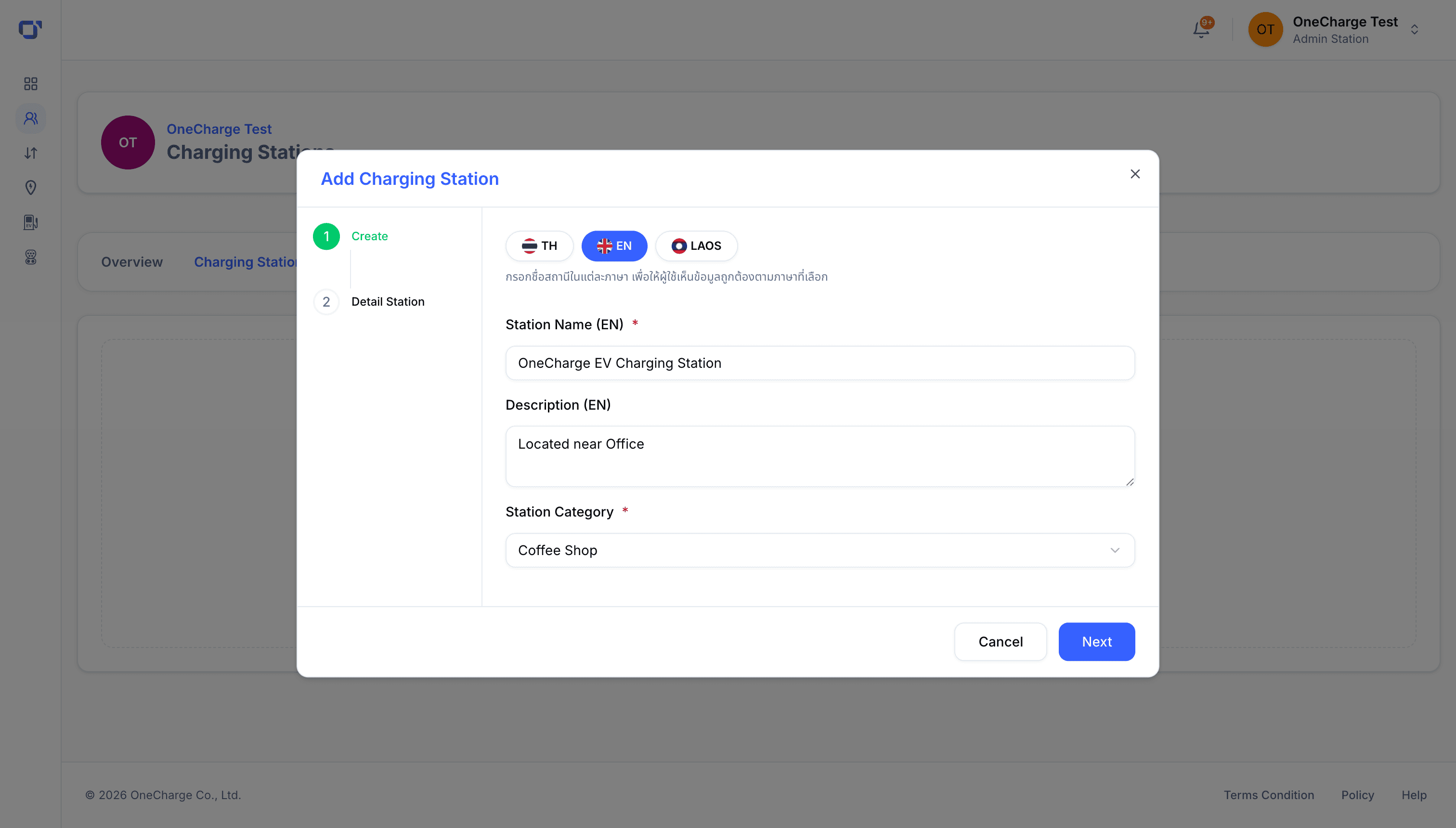
From the Charging Stations tab, start the setup wizard to create your first station.
Address and map
Enter the station's address and confirm its position on the map, so drivers can find it accurately.
Hours and contact
Set the site's opening hours and a contact channel drivers can reach if they run into trouble.
Status and access
Choose who can access the station — public, members only, or a specific team — and set its status.
Daily schedule
If the station doesn't run 24/7, set its open and close times for each day of the week.
Confirm to finish — your station is created and ready for you to add chargers to it.