
Energy & Power Management
Add more chargers without waiting for a grid upgrade.
Dynamic load balancing and power scheduling keep sites within their electrical capacity, with solar-ready architecture for future expansion.
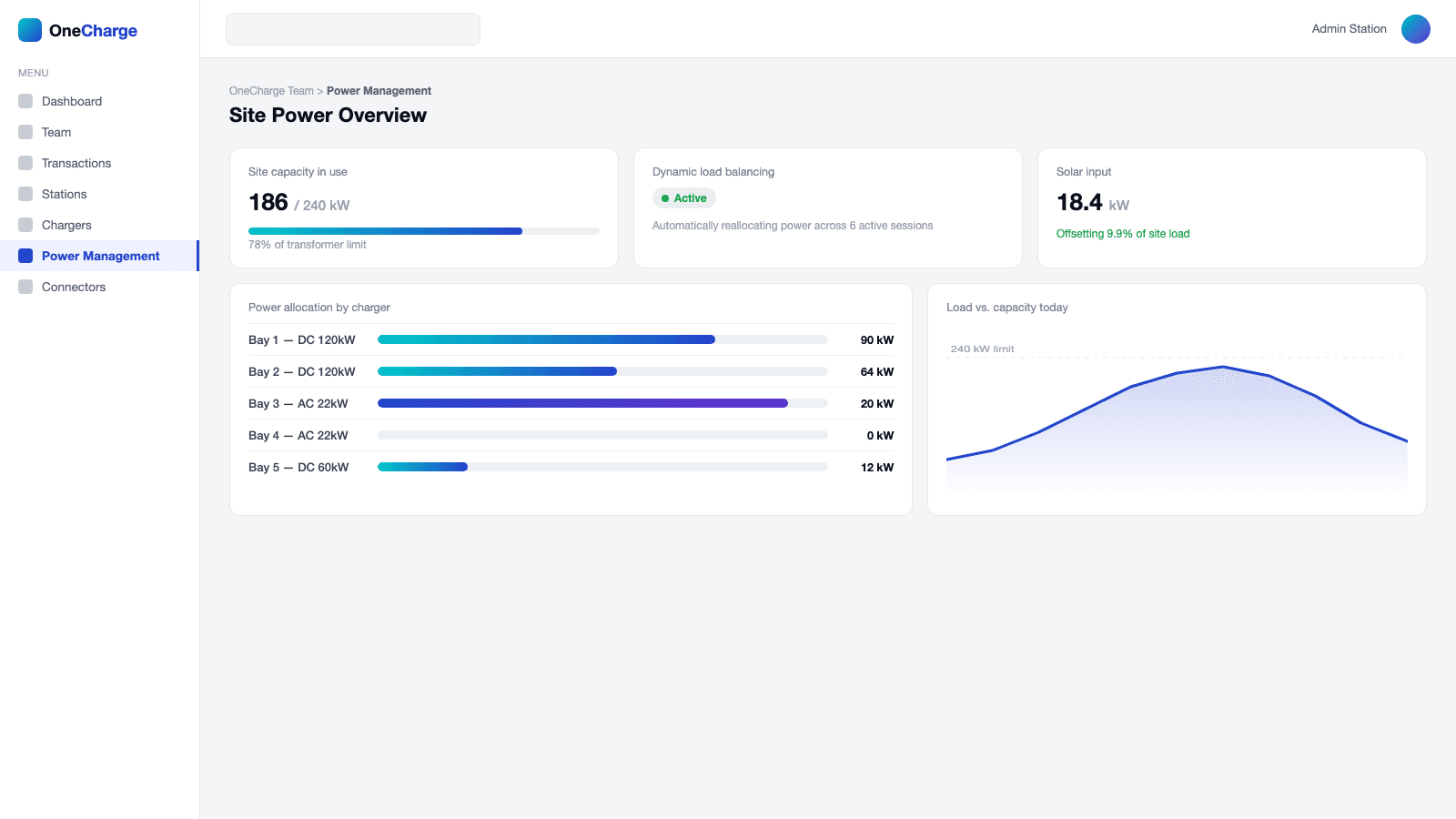
Key features
Dynamic load balancing
Power is shared across chargers automatically, within what the site actually has.
Power scheduling
Schedule charging windows to avoid peak-rate hours.
Solar-ready
Built to extend with a solar installation later.
Technical
Built for utility-grade load management
Every OneCharge-managed site speaks OCPP to its chargers and, where the local utility supports it, speaks the utility's own smart-charging protocol outward — so power gets shared automatically, in both directions.
One platform, two conversations
Chargers connect to OneCharge over OCPP 1.6J, reporting status and energy use in real time. OneCharge can command any connected charger to start, stop, or throttle its power automatically, based on the site's actual available capacity. Where a utility publishes a smart-charging protocol (OSCP), OneCharge can also connect outward to receive live capacity limits and report usage back — acting as the site's Charge Point Operator system.
How the 15-minute cycle works
Under a utility program like MEA's Low Priority EV tariff, a site doesn't get a fixed power allowance — it gets a live one. Every 15 minutes, the utility sends the site's current available capacity for the next time window. OneCharge automatically keeps every connected charger within that limit, then reports the energy actually used back to the utility before the next cycle starts — authenticated and unattended, with no one watching a dashboard. It's what lets a site qualify for a lower, more flexible tariff instead of a fixed connection sized for worst-case peak demand.
How it works
Site power usage and per-charger power allocation