
Chargers & Connectors
How do I connect my charger via OCPP?
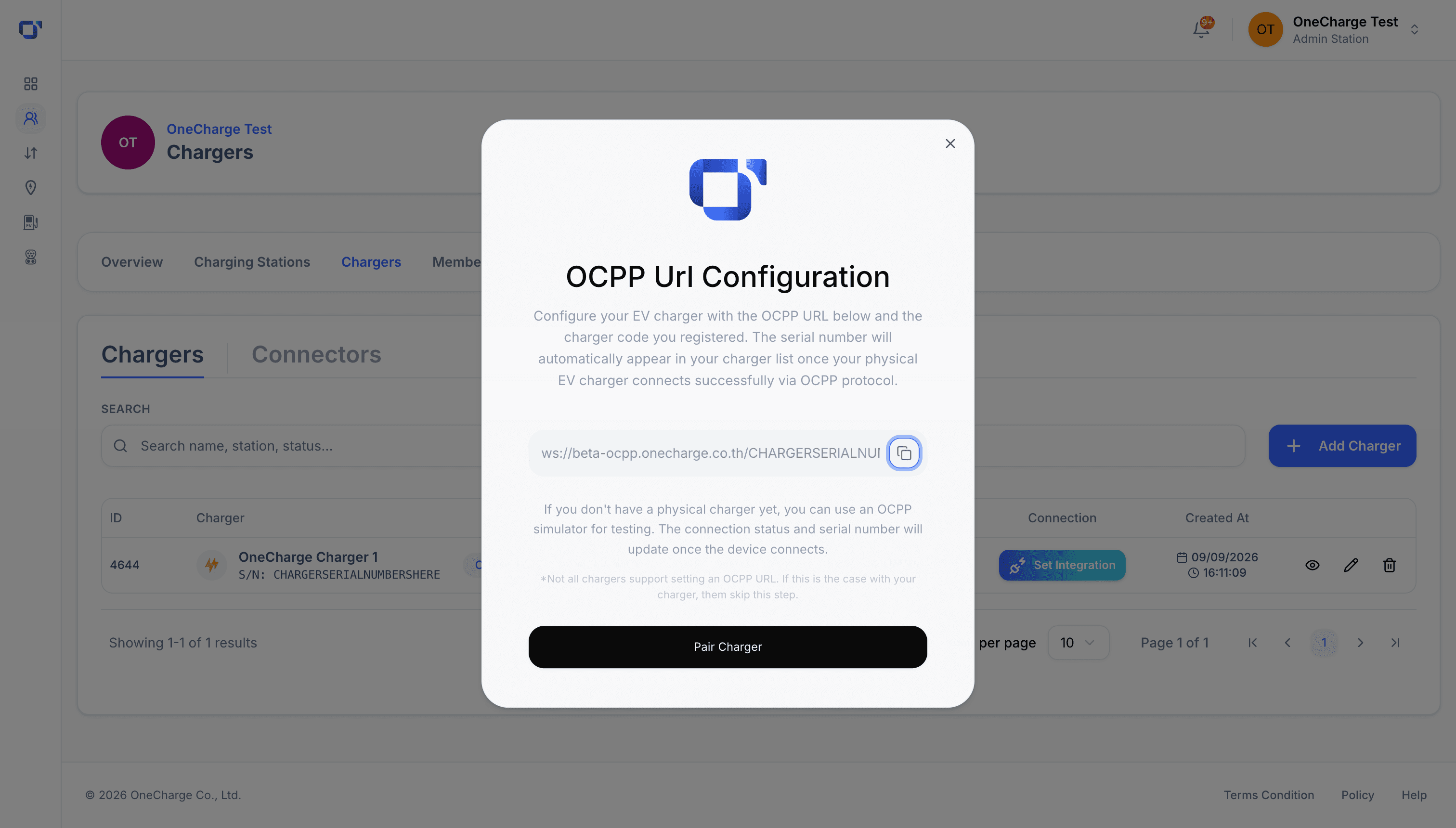
For: Site owners using OneCharge Portal
OneCharge is OCPP-native — any charger that speaks OCPP 1.6 or 2.0.1 can connect, regardless of brand.
Open the charger's settings and find its OCPP URL field. Copy the connection URL OneCharge shows you into that field on the charger's own configuration page (or its installer app).
Once the charger applies the setting, it reconnects to OneCharge and reports its status back to your dashboard in real time.
For step-by-step setup notes on a specific charger model, check its page under Supported chargers.