
Chargers & Connectors
How do I add connectors and set their pricing?
For: Site owners using OneCharge Portal
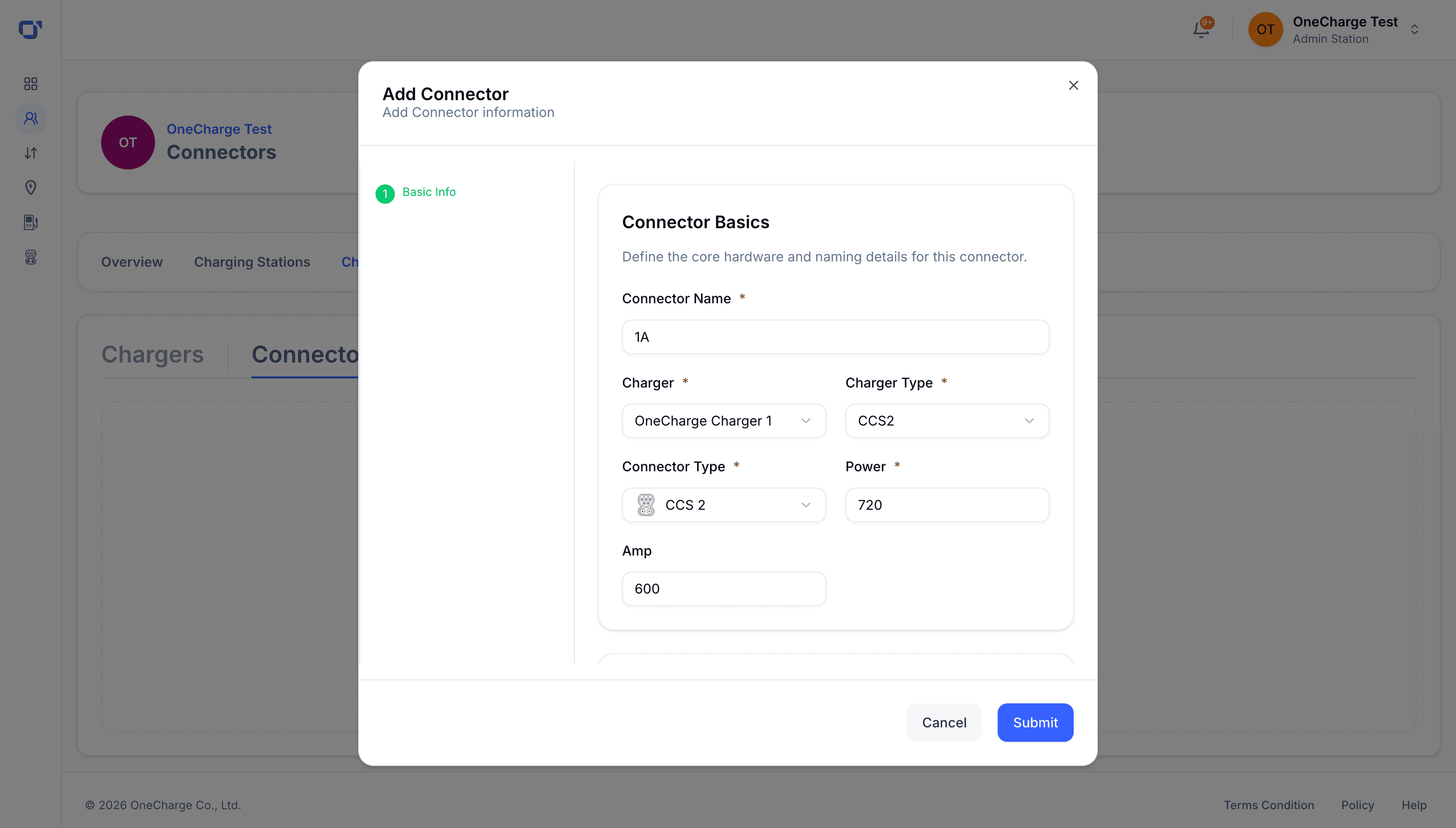
Open a charger and add a connector — fill in its basic details, including connector type (Type 2 or CCS2).
In the operational details step, set how the connector behaves — for example, whether it’s currently in service.
Finally, assign the connector to a pricing group, so every session on it is charged at the right rate.