
Your Car & AutoCharge
How do I add my car to the app?
For: OneCharge app users
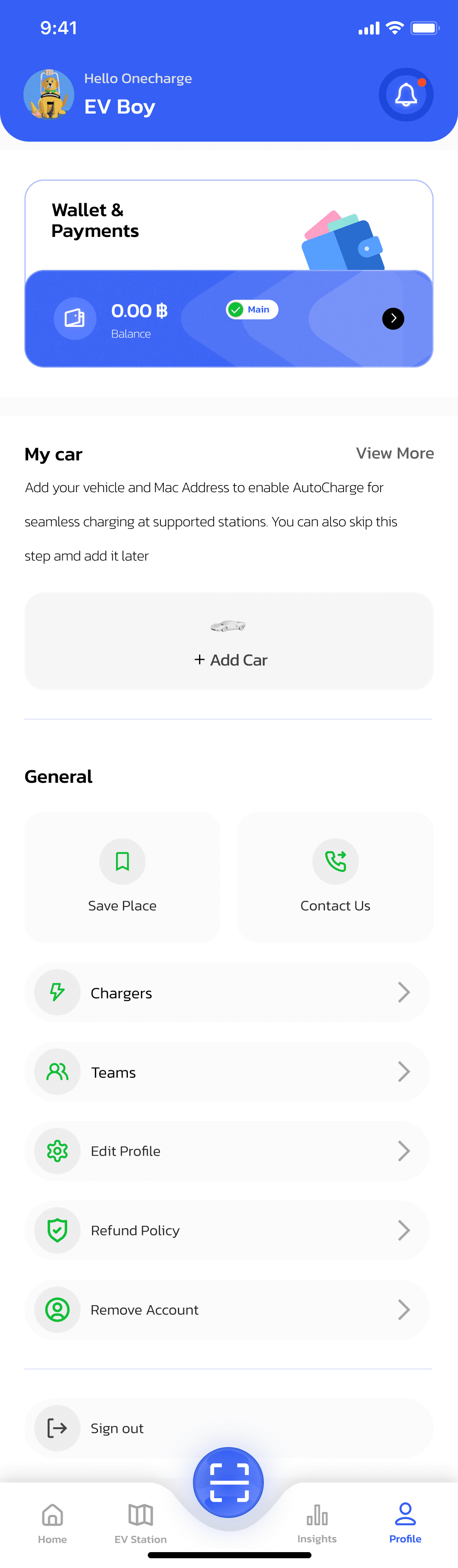
Go to your profile and tap Add Car.
Search for or select your car's brand, then choose the exact model you drive.
Fill in the rest of the form — including your license plate — and tap Confirm to save.
The app confirms your car was added, and it now appears on your My Cars page, ready to use with AutoCharge and station search.