
Payments & Wallet
How do I top up my OneCharge wallet?
For: OneCharge app users
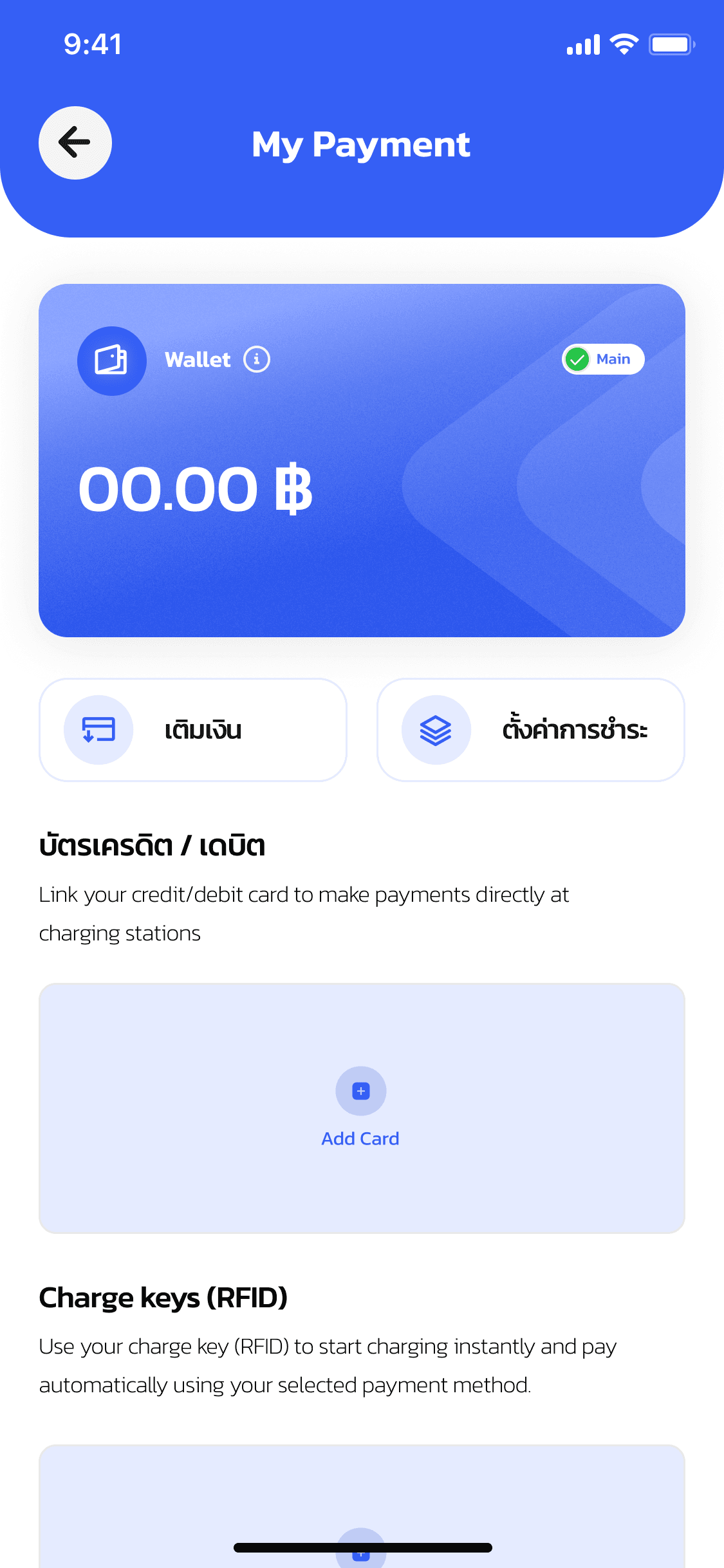
Open My Payment to see your current wallet balance, then tap Top up.
Enter the amount you want to add and tap Confirm.
Choose QR Payment, then scan the QR code with your banking app to complete the payment.
Back in OneCharge, your My Payment balance updates right away — ready to use for your next charging session.