
Payments & Wallet
How do I add a credit or debit card?
For: OneCharge app users
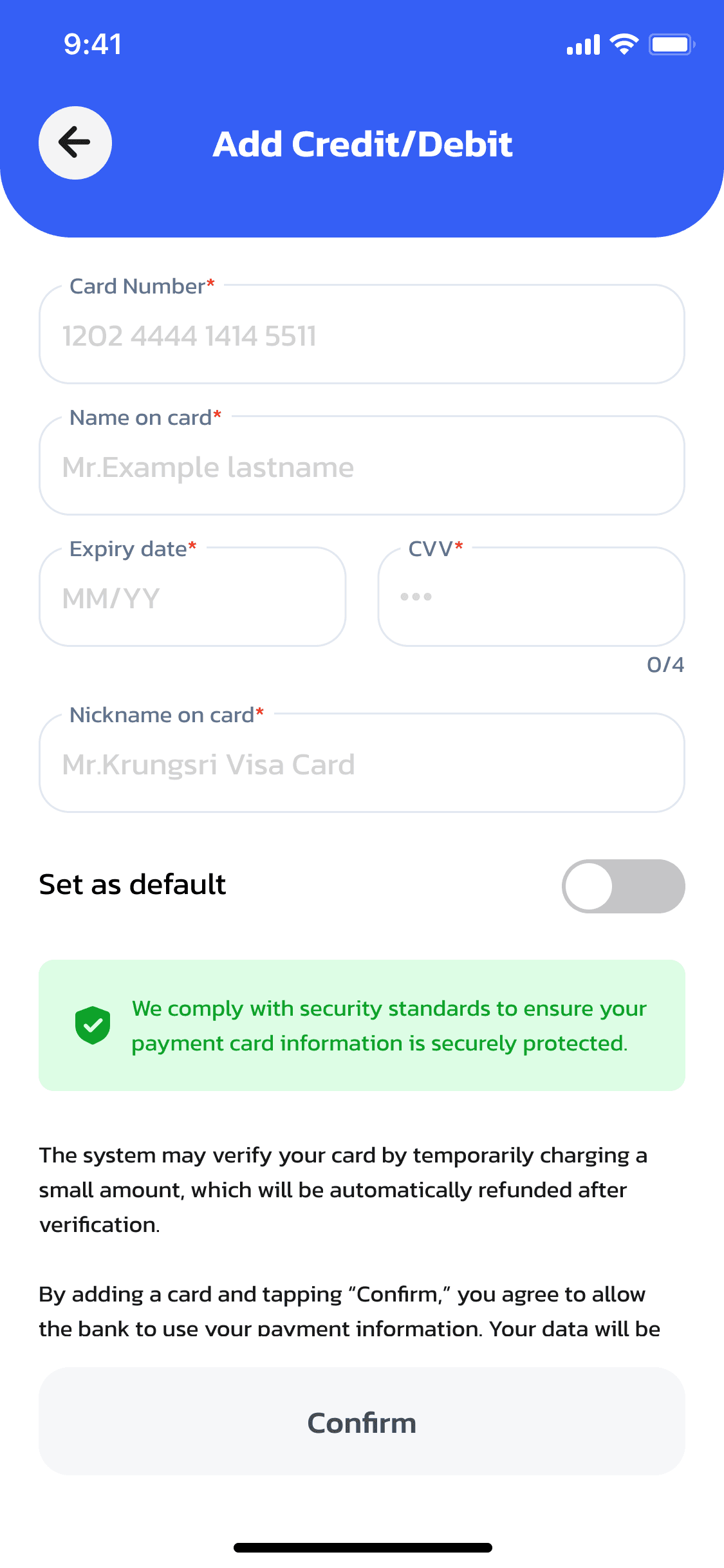
From My Payment, open the option to add a credit or debit card.
Enter your card details and tap Confirm.
Once saved, tap Done — your card is ready to use for topping up your wallet or paying for a session directly.