
Getting Started
How do I create a OneCharge account?
For: OneCharge app users
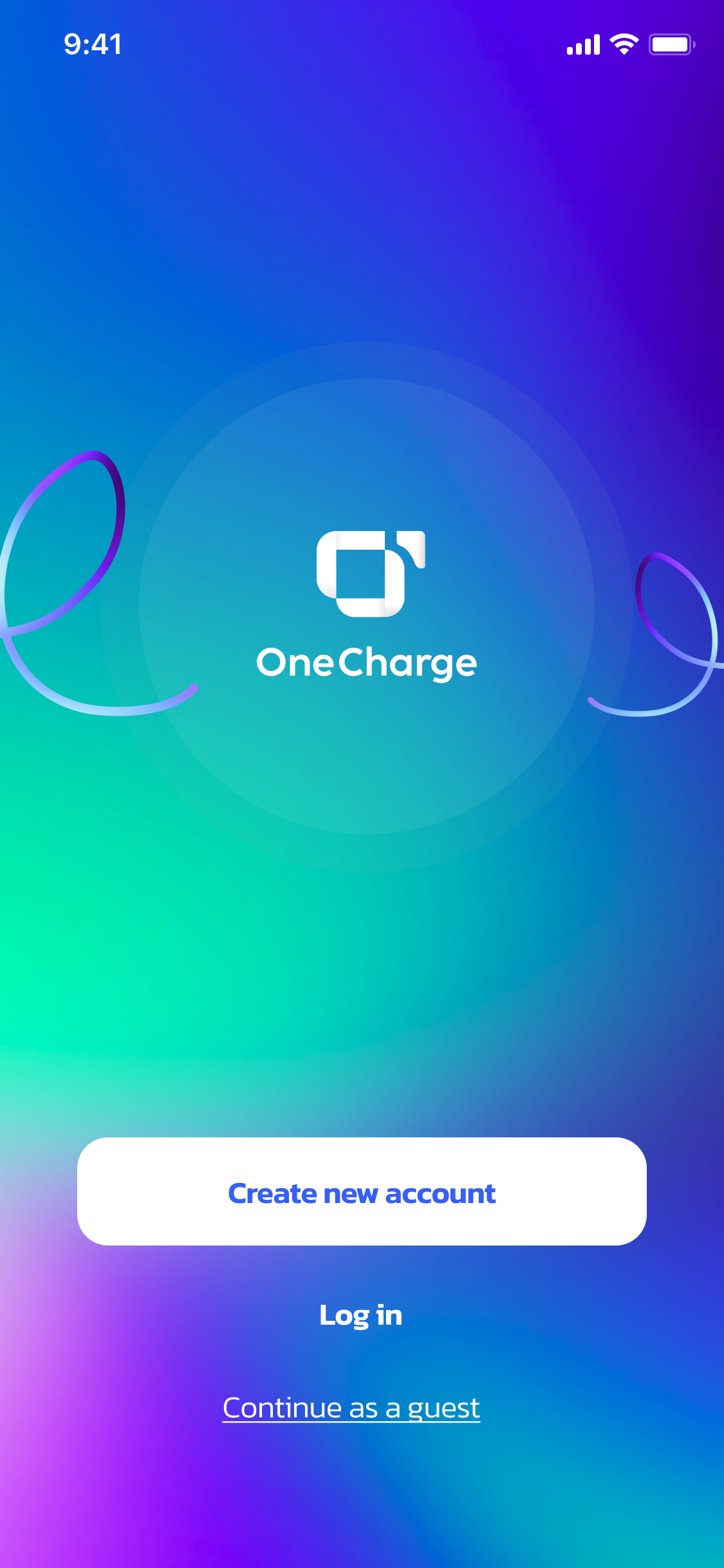
Open the OneCharge app and tap Sign up on the welcome screen.
Sign up with your phone number
Enter your phone number and tap Continue. OneCharge sends a one-time password (OTP) to that number — enter the code to verify your identity.
Sign up with email
Prefer email? Choose Sign up with email instead, enter your email and password, and confirm the account from the link OneCharge sends you.
Once verified, you're in — the app takes you straight to the home screen, ready to add your car and find a charger.